












Your phone, Repurposed.
Choose the typa lock you want for each space. Tap your phone to a Typalock tag, and voila. Focus with ease, until you tap out.
Challenge your friends.
Focus Competition
Hours locked in
- 1Marcus W.Computer Science, 3rd year42h
- 2Aisha P.Mechanical Engineering, 2nd year38h
- 3Sarah C.Commerce, 2nd year35h
- 4Priya K.Psychology, 3rd year29h
- 5Liam O.Marine Biology, 4th year19h





Powerful focus features.
Our comprehensive system offers everything you need to eliminate phone distractions and maximize productivity across different environments.
Quick Activation
Setup is quick and seamless. Place Focus tags anywhere and everywhere, and customize them to suit your needs.
Lock Intelligence
Different apps can be blocked depending on your space. Context-aware blocking for real life scenarios.
Parental Use
Too much screen time at home? Place Focus tags in multiple spaces at home, and monitor how your family is staying focused.
Smart Tools
Quickly see which work spots are least crowded with interactive features. Smart goals and techniques like Pomodoro are built right in, and invite friends to come work with you, no matter where they are.
Unlimited Use Cases
Typalock was designed to be used for every application. Schools, businesses, homes, you name it. Anywhere you want to focus, now you can.
Social Accountability
Encourage your friends to stay productive with Study Groups. Group project? See who's actually focused.
Perfect for any use case.
See how Typalock transforms different environments into focused, productive spaces.
 Students
Campus Environments
Libraries, study rooms, lecture halls. Typalock blocks social media the moment you tap into a space on campus.
AcademicHigh focus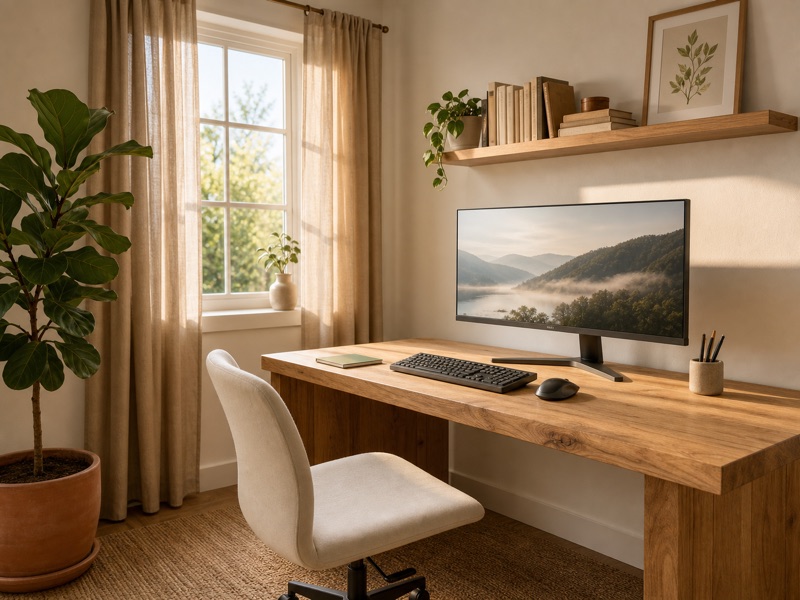 Remote Work
Home Office Productivity
Typalock creates a dedicated work mode that blocks entertainment apps during business hours.
ProfessionalHigh focus Families
Family Connection Time
Create harmony at home with kid-safe blocking. Parents control access. Perfect for family time.
DomesticHigh focus
Social media, minus the scroll.
Open Instagram, X or LinkedIn inside Typalock and you land in your inbox, not a feed. The scroll never loads. What is left is the reason you opened the app: the conversation.

Never loads
The feed, Reels, Explore, For You, Search, Profiles
What opens
Your inbox.
Straight to your direct messages. Conversations and sign-in work, nothing else does.
The Typalock App.
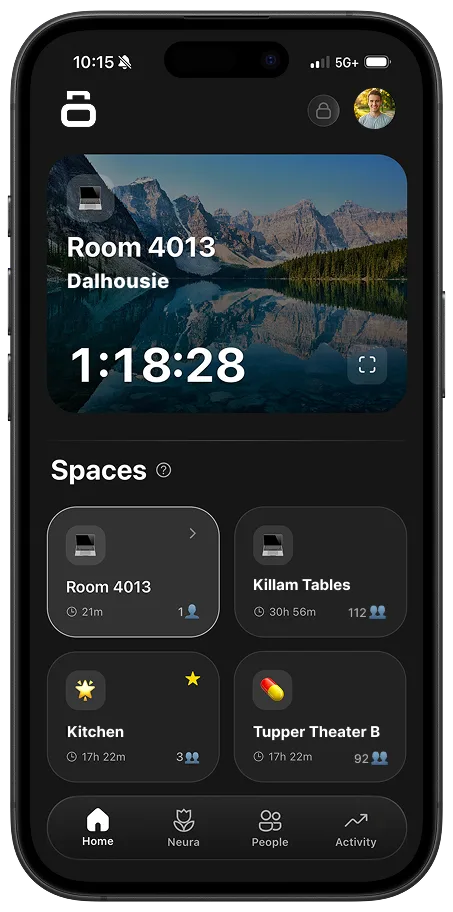
Make your phone work for you, the perfect tool tailored to your environment. Configure your spaces, track focus time, and maximize productivity, all synced to you.
Tap in. Meet the room.
When enough people tap into the same space during an event, everyone gets a different bingo card, and the only way to fill it in is to talk to people.
Illustrative preview
Built from the people actually there
Squares are generated from the real attendees: their interests, their major, their school, their focus streak. Every card is different.
Name who you met
Tap a square, pick the person, and Typalock checks their profile. Guessing doesn't work.
You can't win with one friend
Any one person can only fill a couple of squares on your card. To finish a line you have to actually meet the room.